
How to Keep Wedding Guest Photos Private
Set clear expectations for your wedding photo gallery, understand link access, and ask before sharing guest photos publicly.

Founder of Wedding Photos QR
Published
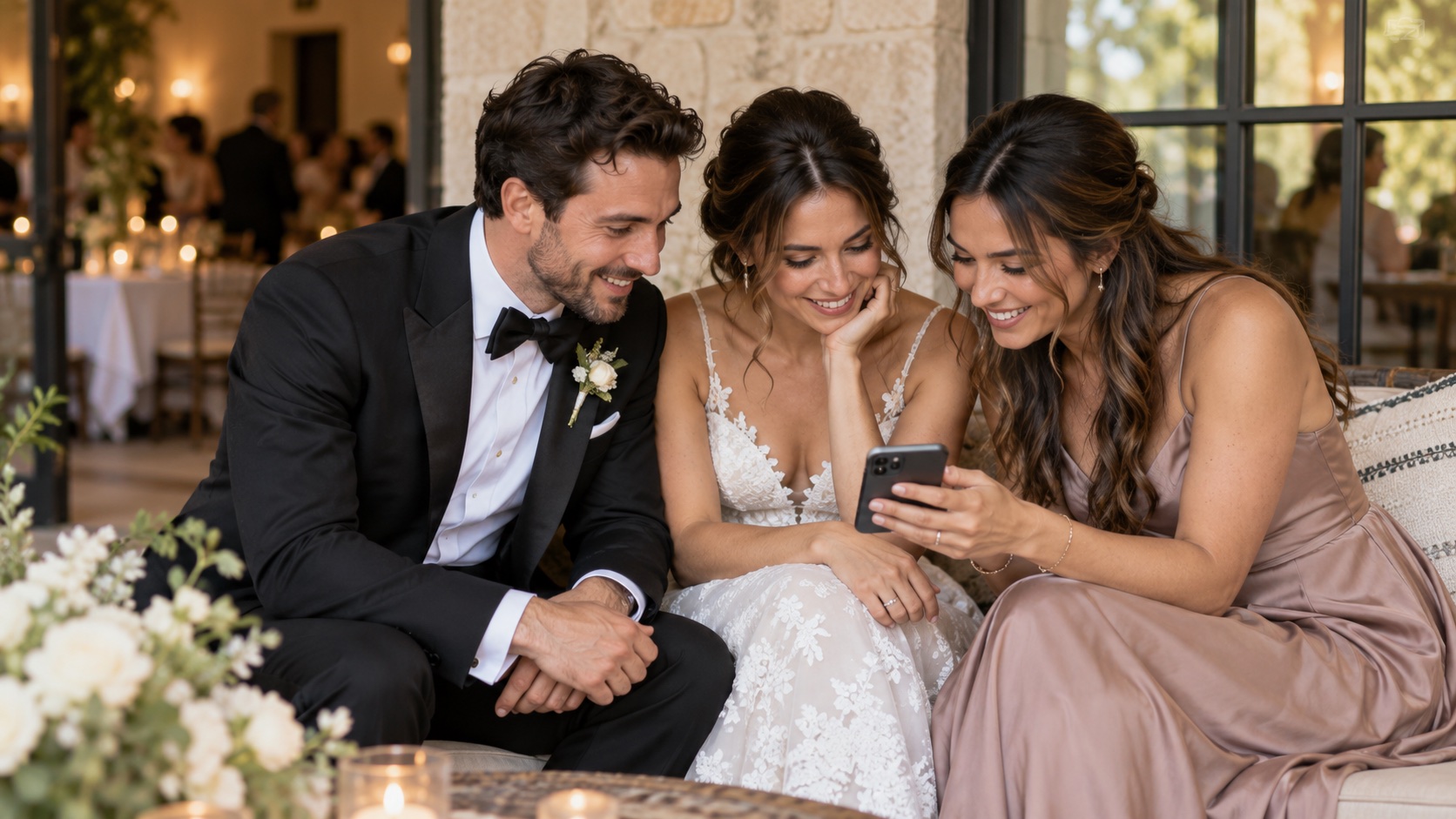
To keep wedding guest photos private, decide who should be able to open the gallery, explain that to guests before they upload, and ask before posting their photos publicly. Check how your chosen service grants access: a gallery reached through a shared link may also be reachable by anyone the link is forwarded to.
Decide what private means for your wedding
Couples use "private" to mean different things. You might want a collection only for you and your guests, or you may be comfortable with every person who has the gallery link seeing the photos. Decide which audience you have in mind before choosing where to share the link.
Think about where the invitation will appear. A QR code on a welcome sign or table card can be scanned by anyone who attends or handles the sign. A link sent in a group message can be forwarded. If that wider access would bother you, choose a service with access settings that fit your needs and test those settings from a guest’s phone.
Understand how the gallery link works
Wedding Photos QR describes its gallery as private for the couple and their guests. Guests reach the upload page through the event’s unique QR code or invite link, and the guest flow works in a browser without a separate guest account. The link provides access to the guest page, but it does not check whether each visitor is on a list of invited people. Anyone who receives a forwarded link may be able to open the upload page. See how Wedding Photos QR works and read the Privacy Policy for details about guest uploads, content management, and retention.
Before sharing any gallery link, open it on a phone that is not signed in to the owner account. Check what the guest page shows and what a guest can do. If you use another service, review its settings for viewing, uploading, and forwarding access; those controls vary by provider.
Tell guests what they are sharing
A short note beside the QR code or in your wedding message can explain where the link leads and how you plan to use the photos. Let guests know whether you expect the gallery to be seen by the couple alone or by other guests too. Make uploading optional, and avoid promising that only named invitees can see photos unless the service actually enforces that restriction.
You could write:
We’d love to see a few photos from the day. Scan to add them to our wedding gallery, which we’ll share with our guests. Sharing is optional, and please ask before posting someone else’s photo publicly.
Adjust the wording to match your own sharing plans and the gallery’s actual access settings. If you plan to show the photos on a screen during the reception, mention that before guests contribute.
Review photos before sharing them elsewhere
A guest may be happy to contribute a photo to a wedding gallery and still prefer that it stays there. Before posting a guest’s photo on social media, sending it to a wider group, or using it in another public setting, ask the people shown in the image. Take extra care with children and with emotional or unflattering moments.
You can also review the collection together before sharing anything beyond the gallery. Remove images you do not want to keep or display. Wedding Photos QR’s Privacy Policy says guests can delete their own uploads and the event owner can delete any upload in the event.
Keep the link and saved copies in mind
Share the invite link only where it makes sense for your intended audience. A QR code is still a link: anyone who can scan it can try to open the guest page. If a printed sign will be visible beyond your guests, place it where it is less likely to be photographed or shared outside the event.
Wedding Photos QR’s Privacy Policy says gallery content is retained for up to six months after the wedding date unless it is deleted earlier or needs to be kept longer for stated reasons. Download anything you want to keep before then, and store the downloaded files somewhere you control. A saved link and a saved copy of the photos are different things.
A quick privacy check before the wedding
- Decide who you expect to see the gallery and whether link sharing fits that choice.
- Test the guest link on a phone that is not signed in to your account.
- Tell guests who may view contributions and whether photos might be shown during the event.
- Make photo sharing optional.
- Ask before reposting photos outside the gallery, especially when children or sensitive moments are involved.
- Check the service’s deletion and retention information, then download the photos you want to keep.
Can I make a wedding photo gallery visible only to invited guests?
That depends on the service. Some tools may offer individual access controls; a QR code or shareable invite link by itself does not verify that a visitor was personally invited. Check whether the platform requires each guest to sign in or otherwise approve access before you describe the gallery as invite-only.
Should guests ask before posting wedding photos?
It is considerate to ask before sharing a photo publicly if other people appear in it, especially children or anyone in a private moment. A couple can set expectations in advance by explaining whether the gallery is for the wedding group and asking guests to check before reposting someone else’s image.