
How to Save and Back Up Your Wedding Photos
Download your wedding photos, check that the files open, and keep a second copy somewhere separate from your main device.

Founder of Wedding Photos QR
Published
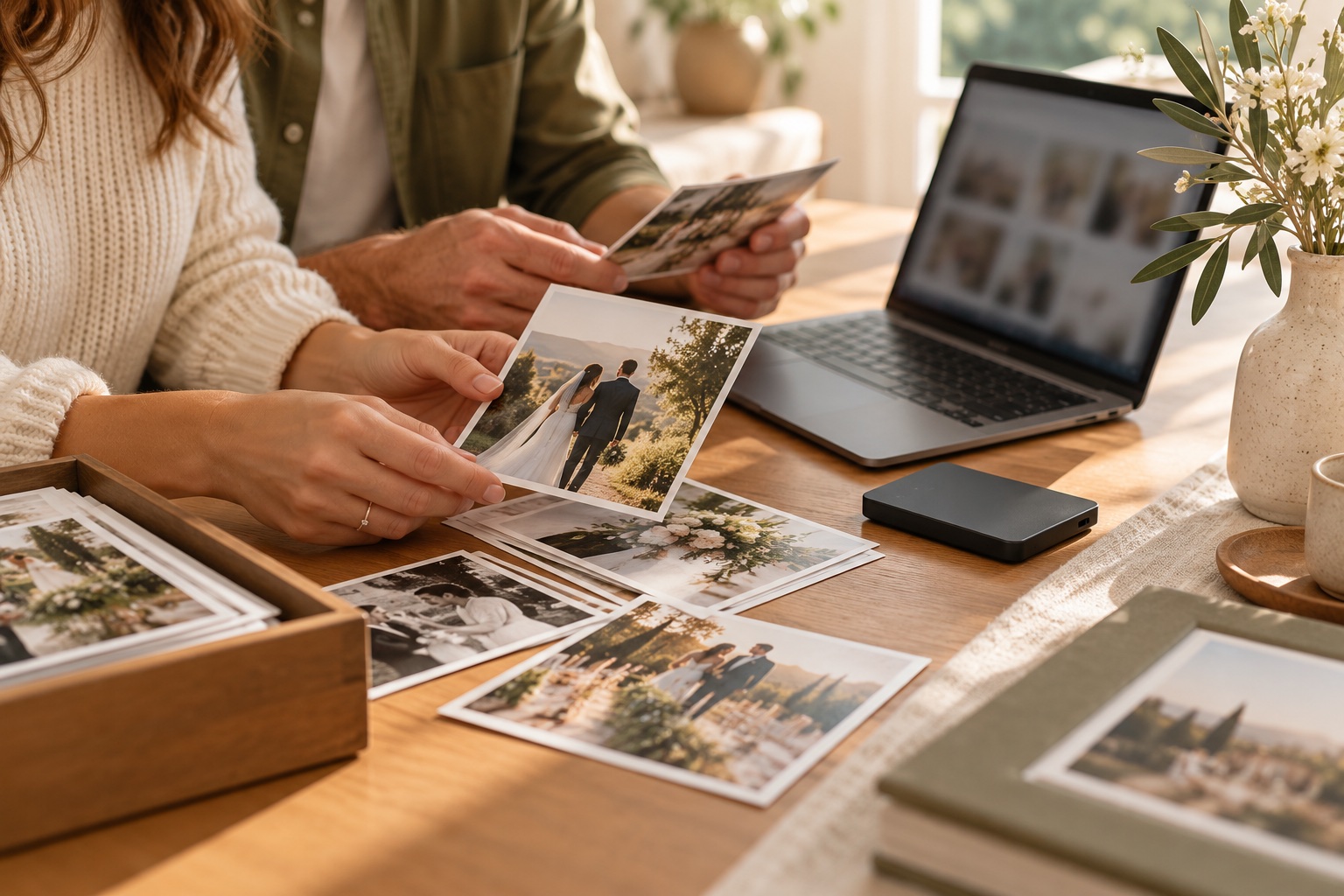
To save and back up your wedding photos, download the actual image and video files, check that the download is complete, and copy it to a second storage location. Keep one copy on your main device and another on an external drive or in a cloud account you control. A gallery link by itself is not a backup.
Download the files before access ends
Check how your gallery handles downloads, whether there is a fee, and when the files may be removed. If the gallery offers a complete download, use it and wait for the download to finish before closing the page or shutting down your device.
Wedding Photos QR currently says couples can purchase access to download every photo and video from the gallery with one click. Its privacy policy says wedding gallery content is retained for up to six months after the wedding date, unless it is deleted earlier or needs to be kept longer for legal, security, fraud-prevention, or dispute reasons. Check the current pricing information and fair usage policy before relying on the service. Wedding Photos QR is for wedding galleries, not backup storage.
If your service gives you a ZIP archive, save it somewhere with enough free space, then extract it into a clearly named folder, such as Wedding photos - 2026. Keep the downloaded archive until you have checked the extracted files.
Check the downloaded photos and videos
Before making the second copy, confirm the download finished and inspect the files:
- Compare the number of files in the downloaded folder with the gallery, if it shows a total.
- Open a selection of photos and videos from different parts of the collection. Check that they display or play normally.
- Look for empty files or files that appear to have stopped downloading.
- Keep the downloaded originals together. Avoid editing or renaming the only copy while you are checking it.
You do not need to open every file one by one if the collection is large. A sample check can catch an incomplete archive or a format your device cannot open. Keep the original download until you know the copies work.
Keep a second copy in a separate place
Copy the checked folder to a second location. An external drive kept separately from your computer is one option. A cloud storage account is another. You can use both if that suits you, but review the provider's storage limits, account access, and deletion settings rather than assuming the files will stay there indefinitely.
After copying, open a few files from the second location too. That checks the copy itself, not just the files on your computer. If you use an external drive, disconnect it after the copy completes and store it somewhere safe. If you use cloud storage, confirm that the upload has finished before deleting local files or archives.
Keep a simple note of where each copy is stored and how to access it. If another person in the family should be able to retrieve the photos, make sure they know where to find that information.
Keep the gallery and backup roles clear
Use the wedding gallery to collect and view contributions while it is available. Download the files and keep your own copies for safekeeping. Wedding Photos QR's fair usage policy says the service is not for backup storage, and its gallery collection guide explains how to bring guest uploads together.
Wedding photo backup checklist
- Check the gallery's download options, cost, and retention information.
- Download the complete collection and wait for it to finish.
- Extract the archive, if the download is zipped.
- Open a selection of photos and videos.
- Copy the checked files to a separate storage location.
- Open a few files from that second location.
- Keep the gallery link and storage details somewhere you can find them.