
A Wedding-Day Checklist for Collecting Guest Photos and Videos
Use this wedding photo collection timeline to prepare your gallery, help guests find it, and save the photos after the celebration.

Founder of Wedding Photos QR
Published
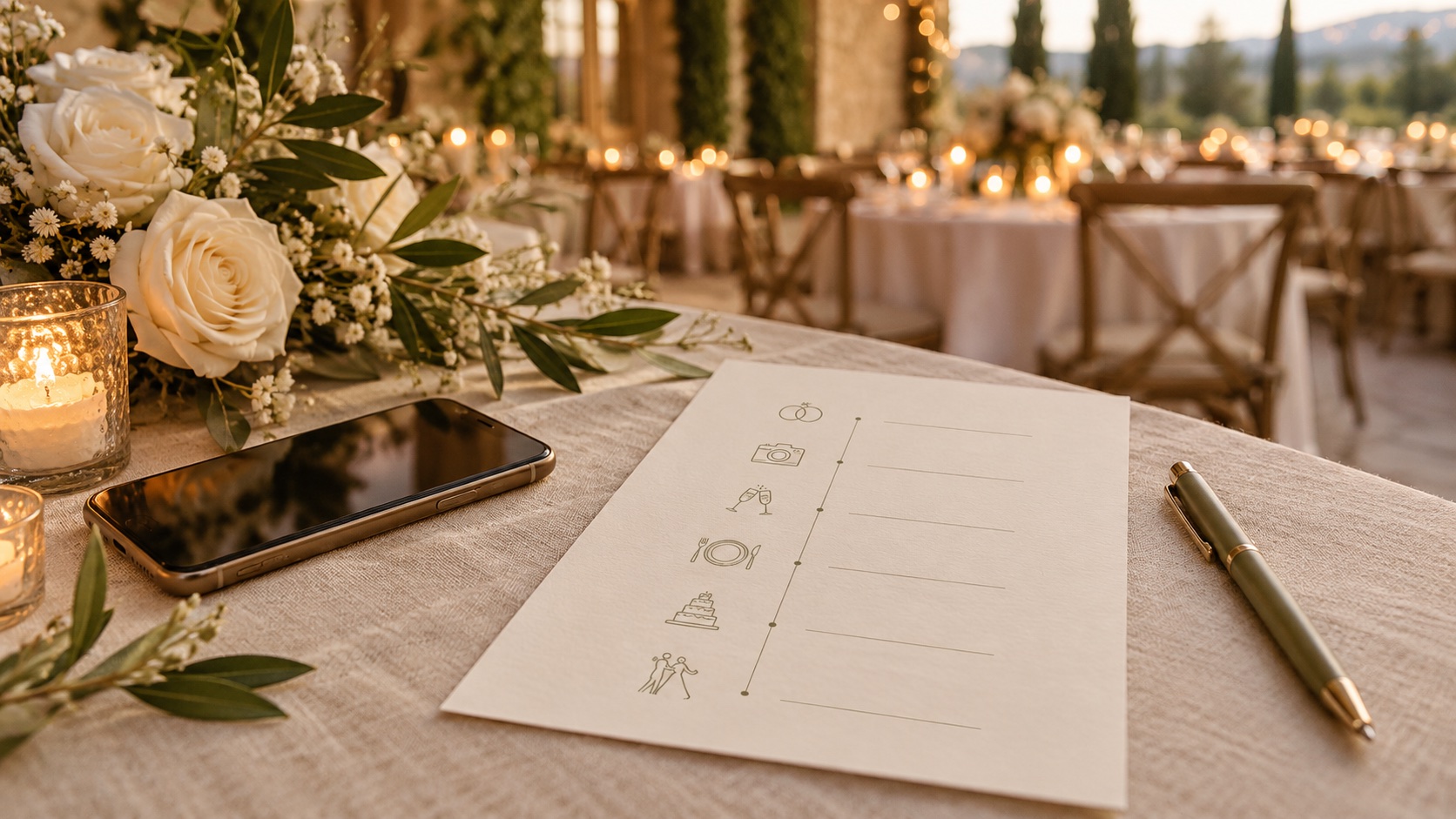
Use this wedding-day checklist to prepare a guest photo gallery before the event, make it easy to find during the celebration, and download the contributions afterward. Test the guest upload process on a phone, share one clear link or QR code, and choose someone to help keep the plan on track.
A few weeks before the wedding
Choose where you want guests to contribute their photos. It could be a dedicated event gallery, a shared album, or another option your guests can use. Check the steps guests need to follow and who can view the contributions.
- Choose one destination for guest photos.
- Check whether guests need an account or app.
- Confirm whether the service accepts videos if you want video uploads.
- Find out how downloads work and when the files may become unavailable.
- Decide who will download and keep the collection after the wedding.
- Save the guest link somewhere easy to retrieve.
Wedding Photos QR has a product overview that explains its guest flow. Review the current pricing and fair usage policy before deciding if it suits your event.
One week before
Try the gallery from a phone that is not already signed in to your account. Follow the same steps a guest would take, including choosing a photo and checking that it arrives in the right place. If video uploads matter to you, test one of those too.
- Open the guest link on a phone.
- Try an upload and confirm where it appears.
- Check who can view or add files through the link.
- Create or print the QR code, if you plan to use one.
- Scan the printed code at its actual size.
- Prepare a short sign explaining what guests can share.
- Send the link to the person who will help on the day.
Keep a written version of the link available in case a printed code is damaged or hard to scan. The wedding photo collection guide has more advice on choosing a gallery and sharing it with guests.
The day before
Put the signs, cards, and any printed instructions with the items you will bring to the venue. Ask a trusted person to check that they are set out where guests can notice them. If the venue layout changes, they can help move the signs to a more visible spot.
- Pack the printed signs or table cards.
- Share the link and setup notes with your helper.
- Agree on a simple way to mention the gallery to guests.
Before guests arrive
Check that the link still opens and that the QR code scans. Place signs where guests can pause to read them, such as on tables or near a welcome area. Keep the code unobstructed and include the link in any wedding message where guests may look for it later.
- Scan the code at the venue.
- Check that the sign explains what the code opens.
- Confirm that your helper knows where the signs are.
- Make the link available to guests who prefer not to scan a code.
During the celebration
Let guests know about the gallery at a natural moment, such as when someone is already making an announcement. Keep the invitation brief and make sharing optional. Guests may have different preferences about contributing photos, so avoid making anyone feel put on the spot.
- Ask your helper to check that signs remain visible.
- Mention the gallery once at a suitable moment.
- Leave guests free to enjoy the celebration without pressure to take or upload photos.
The day after
Send a thank-you message with the same link. Some guests may want to look through their camera roll before choosing what to share. Check the gallery's upload deadline so your message gives guests enough time.
- Thank guests for celebrating with you.
- Include the gallery link and a friendly invitation to contribute.
- Check the service's upload deadline.
After the upload period
Download the collection before any retention period ends. Open a few downloaded files to make sure they work, then save another copy somewhere you control. A saved gallery link may not keep the original files available indefinitely.
- Download the photos and videos you want to keep.
- Open a sample of the downloaded files.
- Save a second copy in another location.
- Ask permission before sharing a guest's photo outside the group, especially if it includes children or a private moment.