
Wedding Photo QR Code vs Google Photos Shared Album: What’s the Difference?
Compare Google Photos shared albums and a wedding photo QR gallery by guest sign-in, access, organization, downloads, storage, and cost.

Founder of Wedding Photos QR
Published
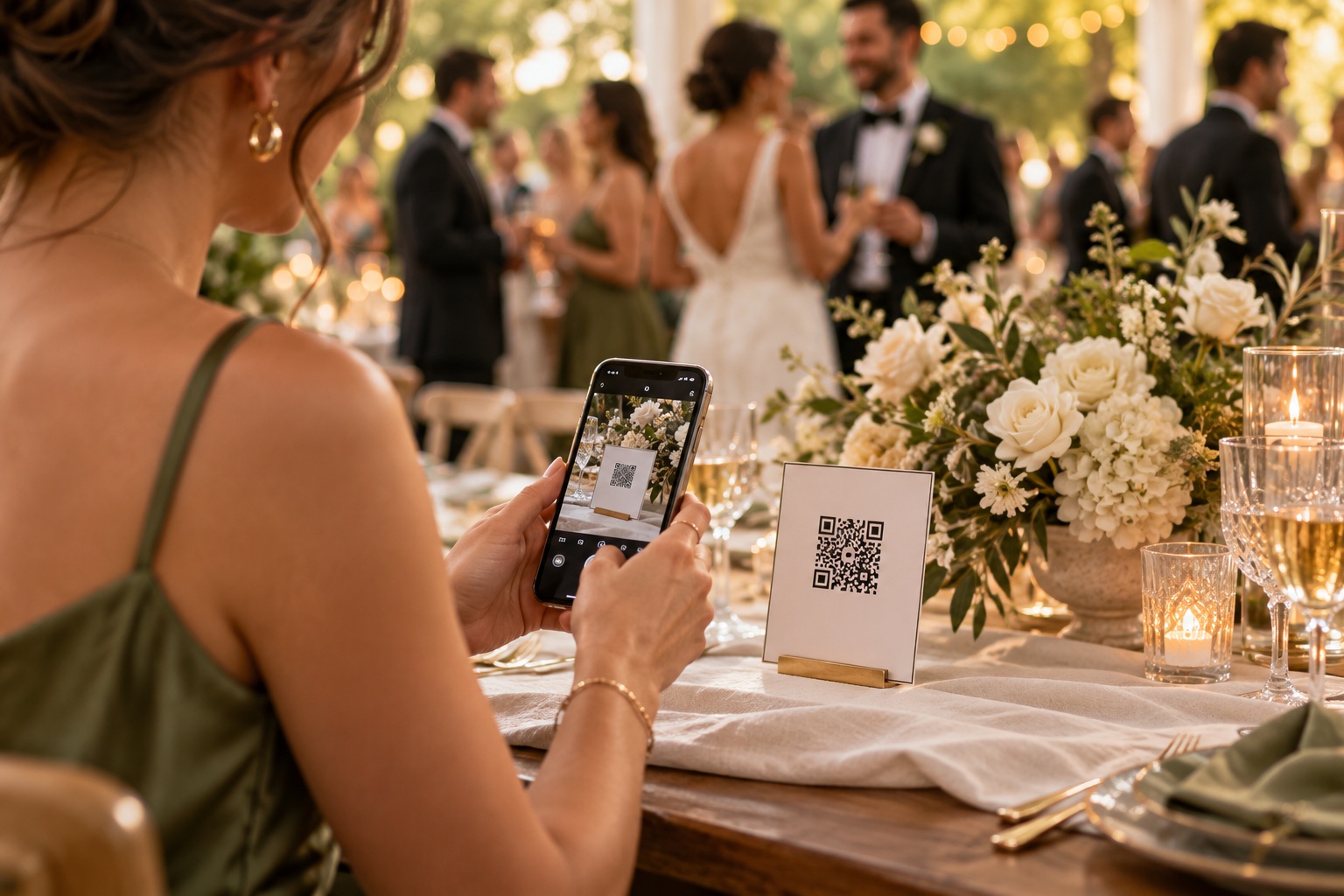
A Google Photos shared album can work well for a wedding if your guests are comfortable signing in to Google to contribute and you want to manage the collection in Google Photos. A wedding photo QR gallery is designed around collecting uploads from guests in a browser, without requiring them to create an account. The main trade-offs are guest sign-in, access settings, and how you want to download and keep the files.
At a glance
| What to compare | Google Photos shared album | Wedding Photos QR |
|---|---|---|
| Guest upload steps | Guests open the album and sign in to a Google Account to add photos. Google Photos help | Guests scan a QR code or open a link, then upload from a phone browser without an account or app. Product overview |
| QR code | Google Photos can generate a QR code for a shared album. Google Photos help | Each event has a QR code and gallery link to share or print. Product overview |
| Access | Invite specific Google Accounts or share an album link. Anyone with that link can view it. Google Photos privacy guide | Guests use the event QR code or link to reach the upload page. Check the guest view if you want them to see uploaded photos. Privacy policy |
| Organization | Photos and videos sit in a shared album; Google Photos supports up to 20,000 items per album. Album guide | Guest uploads are collected in one wedding gallery. Product overview |
| Download and storage | Save shared items to your own library or download them. Saved items count toward your Google Account storage. Storage guide | Full-gallery download is a one-time USD $49 purchase. Gallery uploads are retained for six months after the wedding date. Pricing, privacy policy |
| Separate event cost | No separate event fee for a shared album; Google account storage limits still apply. Storage guide | Gallery setup and collection are free; payment is only needed for the full-gallery download. Pricing |
Guest effort and account requirements
Both options can be opened from a QR code. Google Photos lets the album owner create a QR code for the shared album, so guests can scan it to open the album. To add photos, though, they need to sign in to a Google Account and contribute through Google Photos. Viewing an album link does not require the same sign-in step. Check the upload flow with a guest who is not already signed in before printing the code.
Wedding Photos QR lets guests upload through a browser without installing an app or making an account. That can help when some guests do not use Google Photos or would rather not sign in during the reception. The guest photo collection guide covers ways to introduce the upload link and QR code.
Album access and privacy
Google Photos gives the album owner a choice: invite specific Google Accounts or turn on link sharing. A shared link can be forwarded, and Google notes that anyone with the link can view the album. If you remove a person while link sharing is on, that person can still use the original link. To close access, turn link sharing off and remove collaborators. You can also turn off collaboration to stop people from adding photos.
Wedding Photos QR uses a unique event QR code and link for guest uploads. A code printed at the venue is convenient, but it can also be photographed or forwarded. The product describes the gallery as private; its published information does not establish that guests can browse every upload, so check the guest view before promising that they can. Read the current privacy policy for details about event content.
Keeping the collection organized
A Google Photos album keeps contributions together and offers familiar album controls, including changing the cover, reordering items, and adding or removing photos. Google lists a limit of 20,000 photos and videos per album. Guests contribute through their Google accounts, so the album owner should agree on who will manage the album and check that collaboration is enabled.
Wedding Photos QR gives the couple one event gallery for guest photos and videos. Couples who want to use familiar photo-library controls for editing and album management may prefer Google Photos.
Downloads, storage, and cost
With Google Photos, guests add items from their own Google Photos accounts to the shared album. The couple can save shared items to their own library, then download copies. Google says saved shared items count toward the saver’s account storage, and its accounts have up to 15 GB shared across Google services before more storage may be needed. Check the current Google Photos storage details and make a separate copy if you want files outside the service.
Wedding Photos QR stores event uploads for six months after the wedding date. You can create the gallery and collect uploads free, then pay USD $49 for one-click access to download the full collection. Download the files before the retention period ends and keep a backup somewhere you control. See the current pricing and retention terms before deciding.
Which option may suit your wedding?
Google Photos may be enough if most of your guests use Google Accounts, the group is comfortable signing in to contribute, and you want to manage the album in a service you already use. It also works for couples who want to invite specific accounts or adjust album collaboration settings themselves.
A wedding-specific gallery may fit better if you want guests to upload through a browser without accounts, or you want one destination centered on the wedding event. Consider the six-month retention period and download price when deciding whether it suits your plans.
Before you choose, open the guest link on a phone that is not signed in to your account. Check whether a guest can upload, who can view the photos, and how you will download and keep the originals. For more options, read wedding photo sharing: QR code, group chat, or shared album.
Frequently asked questions
Can guests add photos to a Google Photos shared album without a Google Account?
No. Guests can view an album through a shared link, but adding photos requires signing in to a Google Account.
Can I make a Google Photos shared album QR code?
Yes. Google Photos can generate a QR code for a shared album. Anyone who scans it can access the album, subject to the album’s sharing settings.
Do Google Photos shared albums cost money?
There is no separate fee to create a shared album. Google Photos storage limits still apply; saved shared items count toward the account storage quota.
How long does Wedding Photos QR keep wedding uploads?
Wedding Photos QR says uploads are retained for six months after the wedding date. Download the full gallery before that period ends.
Product details checked on October 5, 2026. Google Photos features and Wedding Photos QR pricing or terms can change; check the linked official pages before setting up an album or gallery.
Sources
- Google Photos: How shared album controls give your photos more privacy
- Google Photos Help Community: Adding photos to a shared album requires a Google Account
- Google Photos: Share photos and videos, including album QR codes
- Google Photos: Create and edit photo albums
- Google Photos: About Google Photos activity and storage
- Wedding Photos QR product overview
- Wedding Photos QR pricing
- Wedding Photos QR privacy policy