
Wedding Photo Sharing Compared: Download Options, Storage, and Expiration
Compare how Wedding Photos QR, GUESTPIX, Kululu, and WedUploader let you download wedding photos and videos, how long uploads stay open, and how long files remain available.

Founder of Wedding Photos QR
Published
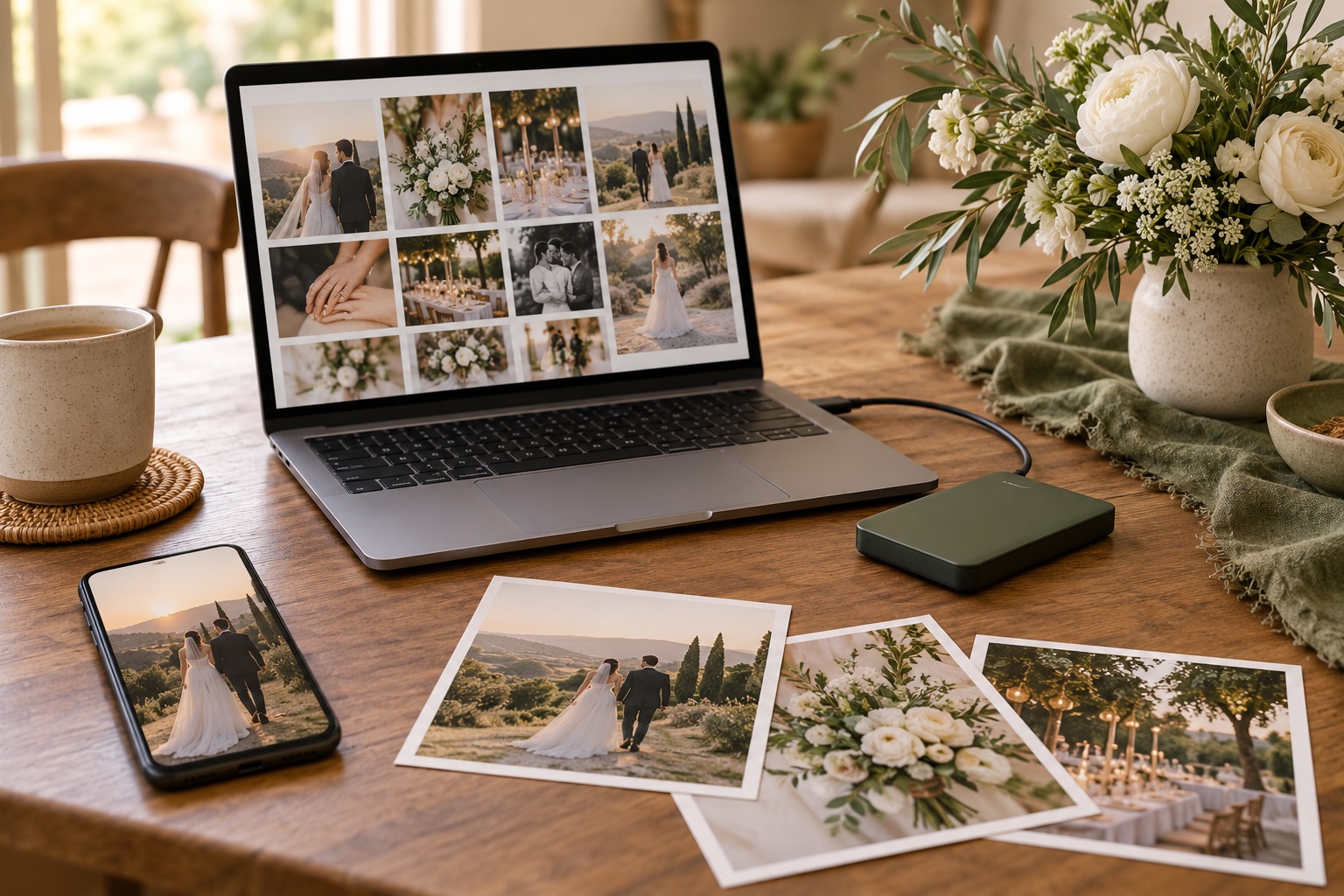
Wedding Photos QR, GUESTPIX, and Kululu keep wedding media in a hosted gallery for a set period, while WedUploader sends uploads to the couple’s Google Drive. Their download tools and deadlines differ, so check two dates before you choose: when guests must stop uploading, and when you must save a copy before access ends.
Compare downloads and availability
| Service | How you can download | Guest upload window | How long files stay available |
|---|---|---|---|
| Wedding Photos QR | Download individual photos or videos, or request the full gallery as a ZIP after purchase. ZIP preparation can take up to one day. | Guests can add media for up to six months after the wedding date. | Gallery content is retained for up to six months after the wedding date. The privacy policy allows earlier deletion and states limited reasons for longer retention. |
| GUESTPIX | Host ZIP download with full-resolution photos and videos, organized by guest name; guest downloads can be enabled in settings. | Free: active through the event and 30 days after. Classic: three months. Signature and Luxe: 12 months. Paid galleries open two weeks before the event for testing. | Paid wedding packages include a 12-month hosting/download period. The free event expires after 37 days and its content is permanently deleted 90 days after the event unless upgraded. Extension options are listed for paid packages. |
| Kululu | Individual files and selected items can be downloaded; Download All creates a ZIP on Plus and Pro. Paid-plan downloads are available in original quality. | Free: 24 hours of active time. Plus: 30 days. Pro: three months. | Media is accessible for seven days on Free, 90 days on Plus, and one year on Pro. Its help page says media is no longer accessible after that period; it does not specify the deletion schedule. |
| WedUploader | Files go directly to the connected Google Drive, where the account owner can manage or download them. The service’s FAQ does not describe a separate ZIP export. | The official pages do not specify a closing deadline for guest uploads. | WedUploader says its albums do not expire. Files are held in the couple’s Drive, so availability also depends on that Google account and its available storage. |
An upload window controls when guests can add new files. A hosting or access period controls how long the existing gallery can be viewed or downloaded. Expiration terms describe what happens after access ends. A long upload window does not guarantee a long retention period, so check both dates.
What the download options mean in practice
Wedding Photos QR
Wedding Photos QR lets the host download an individual file or request one ZIP with the gallery. Download access is paid; the pricing section says couples can decide after the wedding whether they want to download. The ZIP can take up to a day to prepare, so request it before the retention period ends and leave time to save it. The privacy policy says gallery content is retained for up to six months after the wedding date, with earlier deletion possible. It also describes limited legal, security, fraud-prevention, or dispute reasons for keeping content longer.
GUESTPIX
GUESTPIX’s host ZIP includes the full-resolution photo and video files, grouped into folders by guest name. It can also include guestbook messages as a CSV. Hosts can choose whether guests may download individual files or the whole ZIP. Paid wedding plans separate upload time from hosting: Classic has a three-month upload window and 12 months of hosting, while Signature and Luxe have 12 months for both. The gallery becomes active two weeks before the event for testing.
Its free event has a shorter timeline. The gallery is active through the event and for 30 days afterward, then expires on day 37. The help center says content is permanently deleted 90 days after the event if the event is not upgraded. Paid hosting can be extended; check the package and current extension terms in the official pricing information before relying on a specific end date.
Kululu
Kululu supports single-file downloads and multi-select downloads. Its Download All option creates a ZIP, but the help center lists this feature for Plus and Pro plans. Paid-plan files can be downloaded in original quality with available metadata; the help center says Free-plan photos are slightly compressed.
Kululu’s upload and access clocks are separate. Active time for uploads is 24 hours on Free, 30 days on Plus, and three months on Pro. Existing media can be accessed for seven days, 90 days, and one year on those plans, respectively. After that access period, the help page says the files are no longer accessible. It does not say when the files are permanently deleted, so download and keep a local copy before access expires.
WedUploader
WedUploader transfers guest files directly to the couple’s connected Google Drive. The couple’s Drive account holds the files, and its available storage determines how much space they can use. WedUploader describes its albums as never expiring. Its FAQ suggests downloading files and deleting Drive copies if more room is needed.
WedUploader’s official FAQ does not state a guest upload deadline, describe a ZIP export, or explain what happens to uploaded files if the connected Google account loses access. Check those details with the provider if they affect your choice. Review Google Drive’s storage and account terms before treating it as long-term storage.
How to choose based on your backup plans
Think about what you can do with the files after the wedding:
- For a host ZIP, check that it includes the original files, how long it takes to prepare, and whether you need a paid plan.
- If you expect guests to contribute weeks or months later, compare the upload deadline separately from the viewing and download deadline.
- For a hosted gallery, put the access end date on your calendar and download well before it.
- For files stored in your own cloud account, check available space and make sure someone you trust can still sign in.
- After downloading, open a few photos and videos, then copy the folder to another location you control. A gallery or cloud account is not a second backup if it is your only copy.
Our guide to collecting wedding guest photos in one place covers the setup and guest upload flow.
Provider details checked against official product, pricing, and help pages on October 5, 2026. Plans and policies can change; confirm the terms shown for your event before purchasing.
Sources
- Wedding Photos QR pricing and download information
- Wedding Photos QR privacy policy
- GUESTPIX wedding plans
- GUESTPIX upload windows
- GUESTPIX ZIP download details
- GUESTPIX free event expiration
- Kululu upload windows
- Kululu media access periods
- Kululu download options
- Kululu download quality
- WedUploader official site and FAQ
- Google Drive Help: manage storage in Drive, Gmail, and Photos