
Where to Put Wedding Photo QR Codes at Your Reception
Place wedding photo QR codes where guests can pause, see clear instructions, and scan without blocking entrances or busy walkways.

Founder of Wedding Photos QR
Published
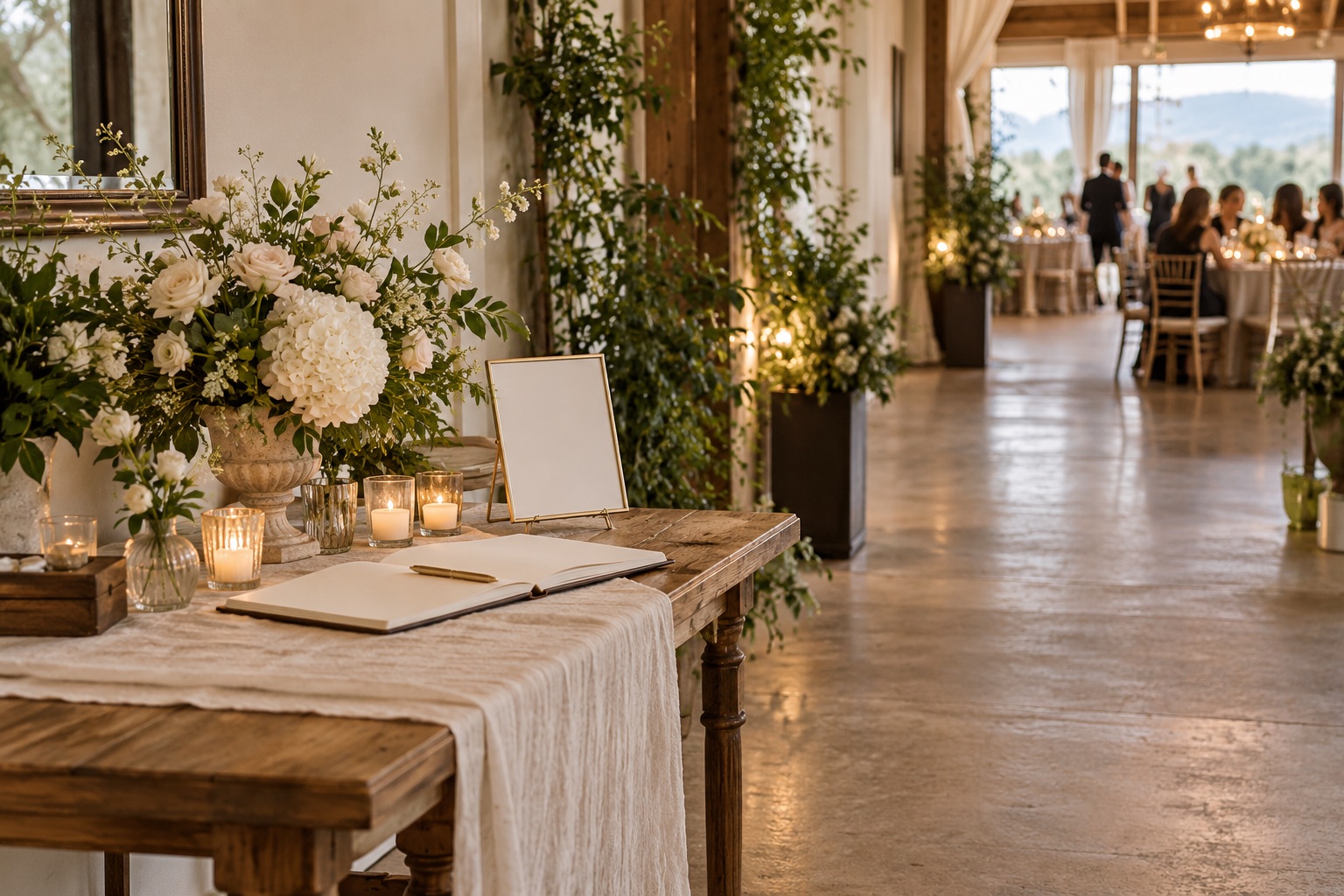
Put wedding photo QR codes where guests naturally pause and can use their phones without holding up other people. A welcome table, table cards, or a spot beside the guest book can work well. Use the same gallery link at each location, keep the instructions easy to read, and leave another way for guests to find the gallery if they do not scan the code.
Start with places where guests can pause
Look for places guests already stop during the reception. The best location depends on the venue layout and how people move through it, so walk the space before choosing where to put signs.
Welcome table or entrance
A sign near the welcome table can introduce the gallery as guests arrive. Keep it beside the guest book or seating information, where people can stop to read. Avoid placing it in a doorway or at the narrowest part of an entrance, where guests may gather while others are trying to pass.
Table cards
Small cards on reception tables make the gallery easy to find later, including for guests who missed the entrance sign. Put a card where it can be seen without covering place settings or getting in the way of shared dishes. If the table is crowded, a nearby sign may be easier to use.
Guest book or card table
A QR code beside the guest book gives guests a quiet moment to read the request and scan. Keep the guest book and card collection usable, and leave enough space for someone to write while another person scans.
Bar or lounge area
A sign in a lounge or near a bar can catch guests while they are waiting or chatting. Choose a spot away from the service queue and staff work area. A sign there should be easy to notice without becoming part of the line.
Reception program
If you are printing a program or menu, you can include the code there as well. Keep it separate from small decorative details, and include a short instruction so guests know what the code opens.
Keep scanning out of busy paths
Guests need room to stop, read, and hold up a phone. Avoid placing a sign where people are entering, lining up for food or drinks, walking between tables, or moving to and from the dance floor. If guests have to step into a walkway to scan, move the sign to a nearby wall, table, or quieter area.
Plan around the full guest route. A table card may be convenient for seated guests but easy to miss while people are moving around. An entrance sign can be visible early, but guests may not have time to stop when several people arrive together. A few copies of the same sign in calm, easy-to-reach spots give guests another chance to find it.
Make the code easy to use
- Put a short explanation beside the code, such as: "Scan to share your wedding photos."
- Leave clear space around the printed code so nearby text or decoration does not crowd it.
- Use a flat, visible surface. Avoid curved objects or a place where glare makes the code hard to see.
- Keep the sign at a height and angle guests can comfortably reach with a phone.
- Include a typed link where practical, and mention the gallery in a wedding message for guests who prefer not to scan.
- Ask the venue team before placing signs on walls, windows, or rented furniture.
Use the same tested gallery link wherever you display the code. A guest who scans one sign should reach the same collection as someone who scans a table card. For more on checking the guest upload flow and writing the sign, see how to collect wedding guest photos in one place.
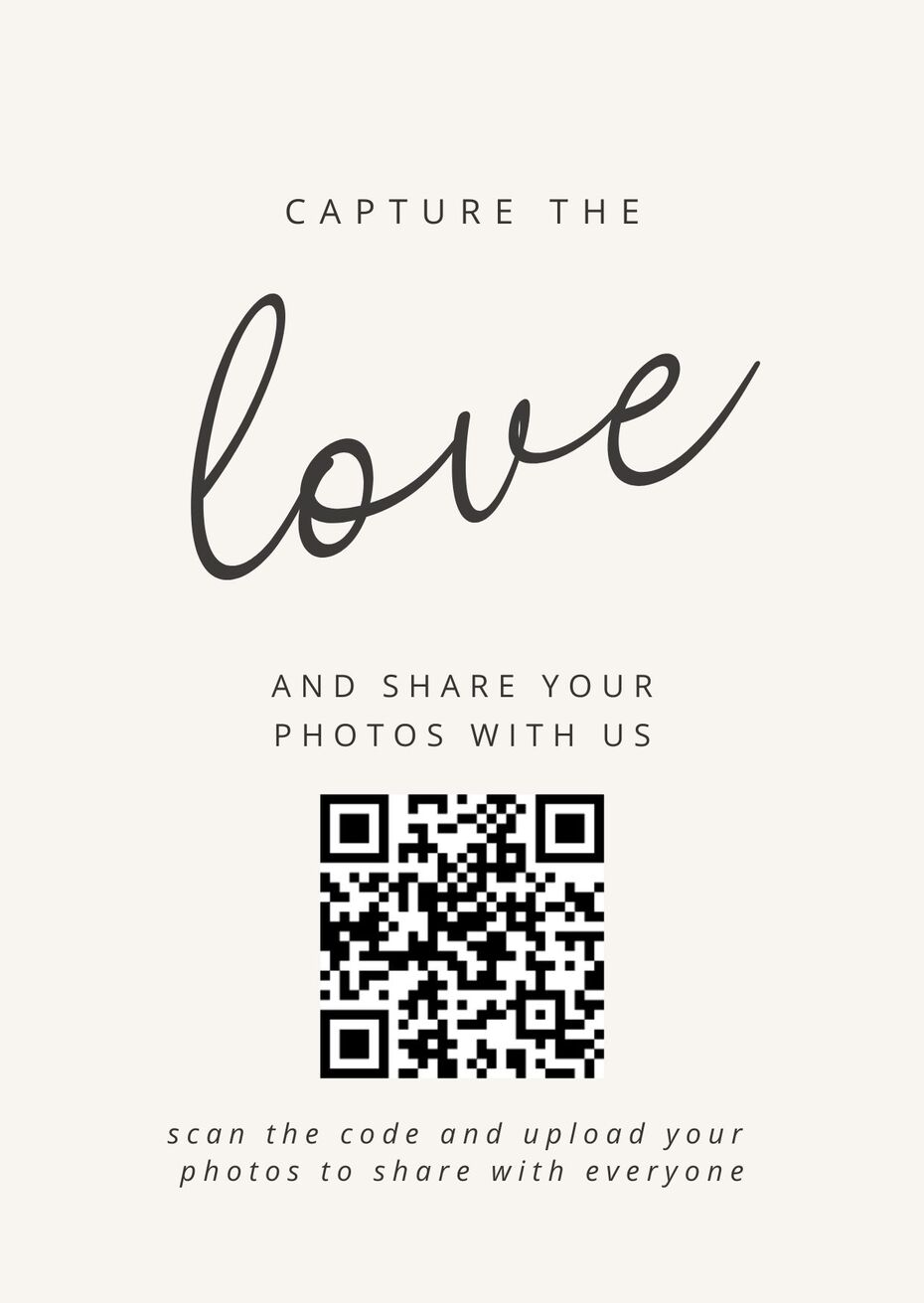
Check the setup before guests arrive
Print the code and test it from the places where guests will see it. Scan it with a phone that is not already signed in to the gallery, then check that the page opens and the upload instructions make sense. If the code is hard to scan in the venue lighting or from where the sign will sit, adjust the print or choose another spot.
Walk the route guests will take from the entrance to their seats, the guest book, and other gathering areas. Check that each sign is visible without narrowing a walkway or competing with venue instructions. Ask a member of the venue team to flag any placement that could interfere with service or access.
Respect guests who do not scan
Some guests may not have a phone with them, may not be comfortable scanning a code, or may simply want to enjoy the reception. Keep the request friendly and optional. Share the gallery link in a message before or after the event so guests have another way to reach it, and do not interrupt important parts of the celebration to ask people to upload.